How to Track a Bill
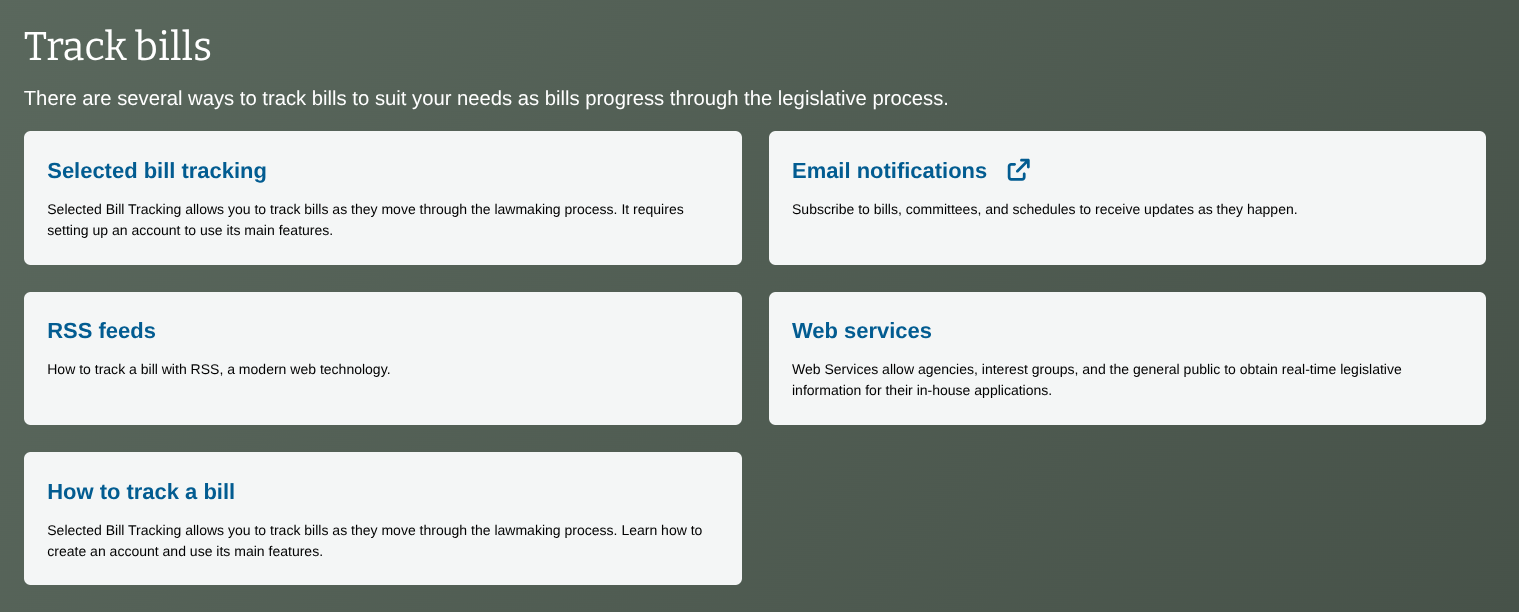
The easiest way to track a bill is to go to the Bills page and scroll down to the “Track Bills” section (pictured on the right).
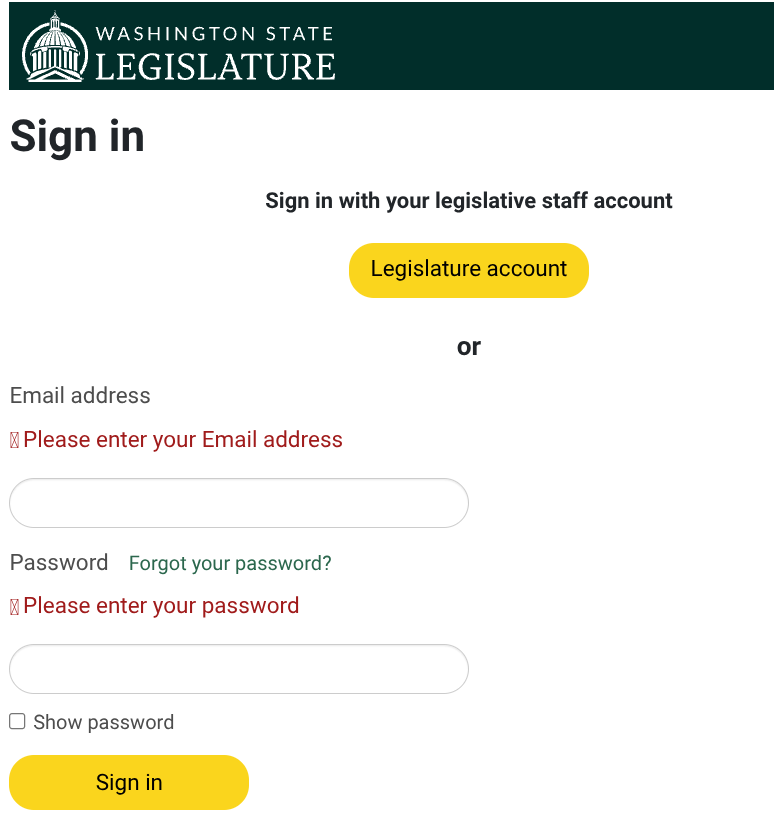
There, you have the option of getting email alerts or creating your own tracking list(s) with a free account.
After you have an account, you can create lists to track whatever bills you want.
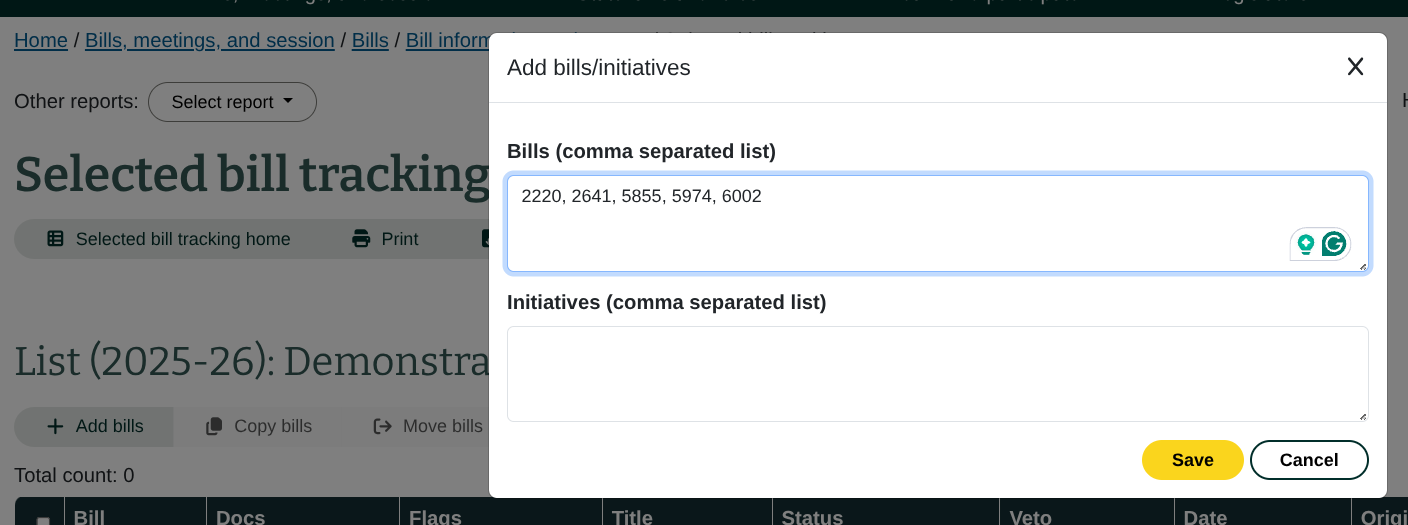
Create your list by naming it and then adding bills, separated by commas, before saving it.
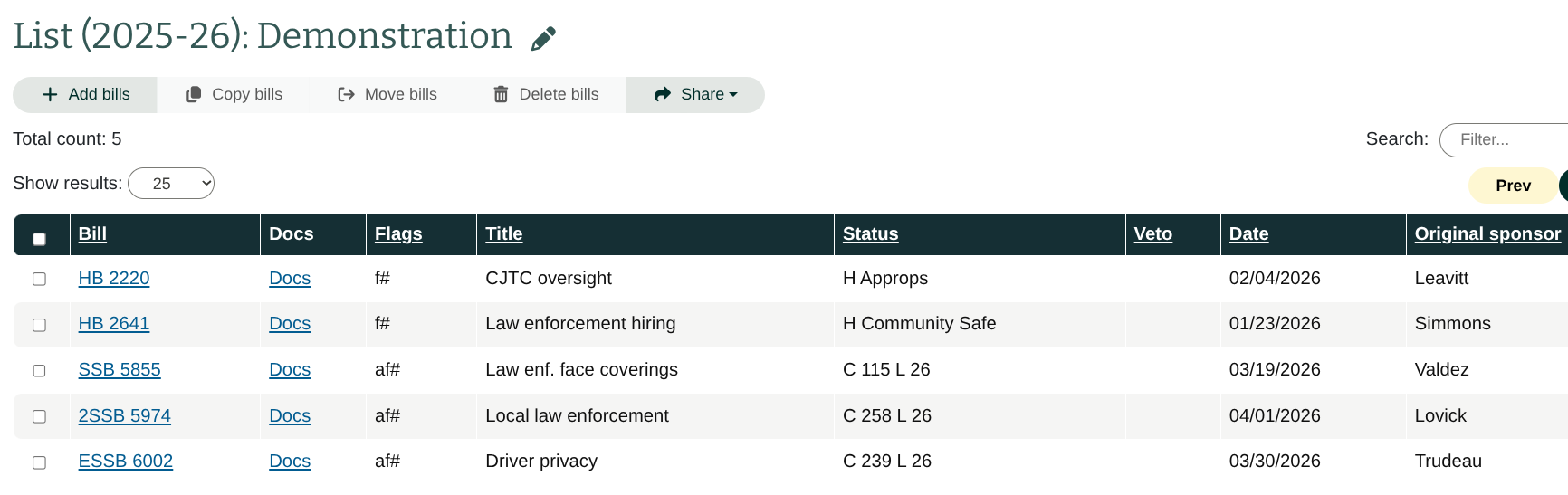
This list will help you track bills’ progress throughout the session, as well as see which committee each bill is currently moving through.